Revive the 90s: A Retro PowerPoint Template for Modern Impact
There is a distinct charm to the aesthetics of the 1990s—a blend of bold geometry, early digital optimism, and a playful disregard for minimalist restraint. For designers, entrepreneurs, and content creators, tapping into that nostalgic visual language can be a powerful strategy. The Retro 90's Powerpoint Template from Sky Creation offers a direct conduit to this style, packaged within a contemporary, highly functional framework. It’s not merely a slide deck; it’s a design asset that bridges vintage appeal with modern presentation needs.
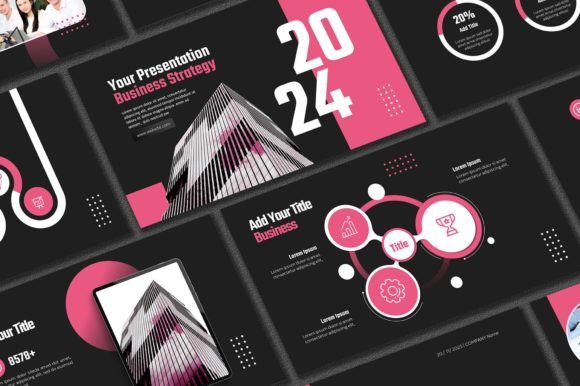
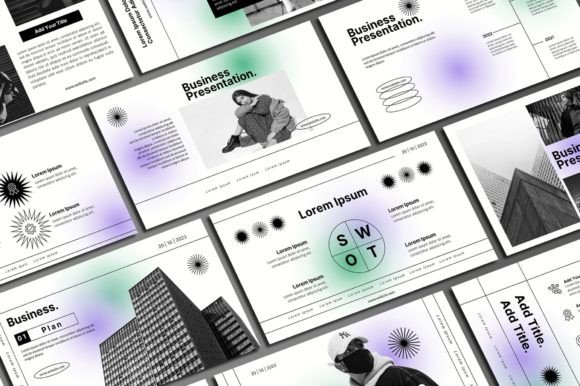
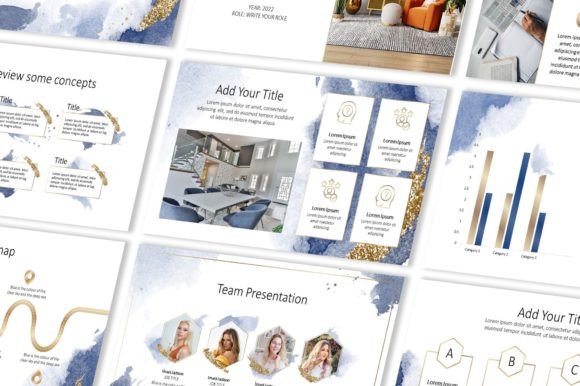
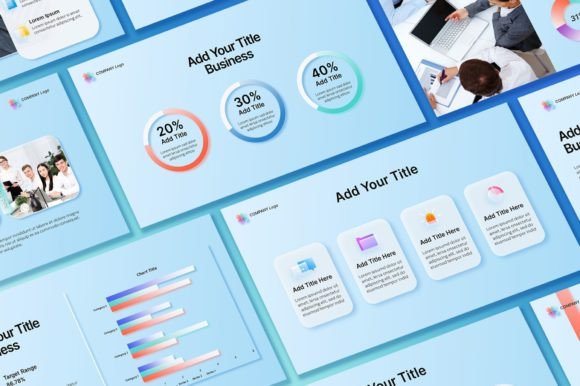
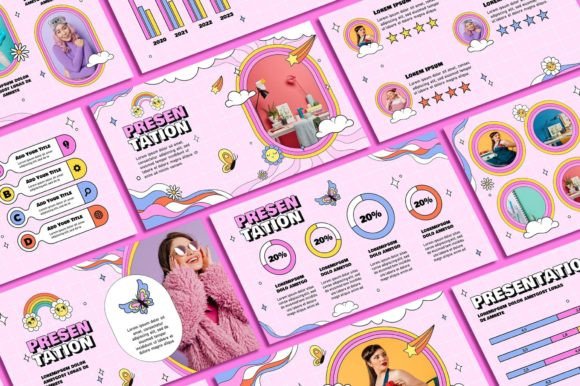
This template captures the era’s personality through its use of vibrant color palettes, often featuring electric blues, hot pinks, and neon greens against darker or textured backgrounds. The layouts frequently employ chunky borders, geometric shapes, and retro-tech motifs like pixelated icons or stylized computer windows. Yet, it’s executed with a modern typography sensibility. You’ll find clean, readable sans serif font choices for body text that ensure clarity, paired with bold, display-oriented typefaces for headlines that echo the period’s graphic punch. This careful balance means your presentation feels authentically retro without sacrificing the professionalism required for a business pitch, portfolio review, or marketing strategy session.
Where Retro Style Meets Practical Application
The true value of a premium font and template system lies in its versatility. This particular creative font collection and slide design isn’t confined to novelty projects. Its unique character makes it a compelling choice for specific, real-world applications where standing out is paramount.
Consider its use in brand identity for niche markets. A boutique gaming studio, a retro-themed café, a synthwave music label, or a vintage clothing e-commerce store could leverage this template’s visual language across their marketing materials. The consistent use of its font pairing—a chunky display font for logos and headers with a cleaner sans serif for paragraphs—can build immediate recognition. It tells the audience, instantly, what the brand’s personality is about: fun, nostalgic, and confident.
For editorial design and packaging design, the templates offer more than just slides. The included 400+ free icons and resizable graphics are design assets that can be extracted and repurposed. Imagine using a set of these pixel-art icons for a blog’s sidebar or a product’s instruction manual. The 16:9 aspect ratio is standard for digital displays, making it ready for screens, but the individual elements can be adapted for print materials like posters, flyers, or even small-run packaging design for special edition products.
Making the Template Work for You: A Practical Guide
Adopting a new template is a process. Here’s how to integrate this retro system effectively into your workflow, ensuring it enhances rather than hinders your message.
First, evaluate the project fit. Is the retro 90s vibe aligned with your audience and message? It works brilliantly for creative pitches, tech history presentations, youth-oriented marketing, or any context where a dose of personality is welcome. For a formal financial report or a medical conference, it might be distracting. The template’s strength is its strong visual hierarchy; the bold headlines guide the eye, and the structured layouts keep content organized despite the vibrant style.
Next, test font pairings and readability. The package includes multiple font files. Install them all. Open the PowerPoint file and experiment. While the pre-set combinations are designed to work, you might find swapping the script font or handwritten font accent for a different display font from your own library creates a more customized feel. Always run a readability check: project a test slide on a screen and view it from the back of a room. Ensure the serif font or sans serif font choices for body text remain clear at distance.
Remember, this is an editable template. The HOW DOES IT WORK? section is key. You are meant to change the background colors, replace placeholder photos with your own images, and insert your logo. The retro grid or gradient backgrounds can be toned down by adjusting their opacity or shifting the hue to match your brand’s color scheme. The goal is to use the template’s structure and unique layouts as a foundation, not a cage.
Finally, understand the TERMS OF USE. This is a commercial font and template system licensed for personal and internal business use. You can create presentations for clients, use the graphics in your own branded materials, and incorporate the fonts into your web design or social media graphics. However, you cannot resell the template file itself or redistribute the raw font files. This protects the creator’s work and ensures you’re using a legitimate asset.
In a digital landscape saturated with clean, corporate templates, the Retro 90's Powerpoint Template offers a chance to make a memorable impression. It provides a cohesive system—combining modern typography, nostalgic aesthetics, and practical tools—that allows designers, marketers, and entrepreneurs to craft presentations with genuine personality and professional polish. It’s about harnessing a specific visual era to communicate a contemporary idea with clarity and flair.