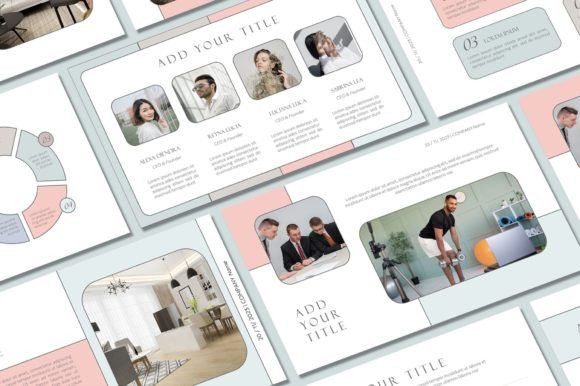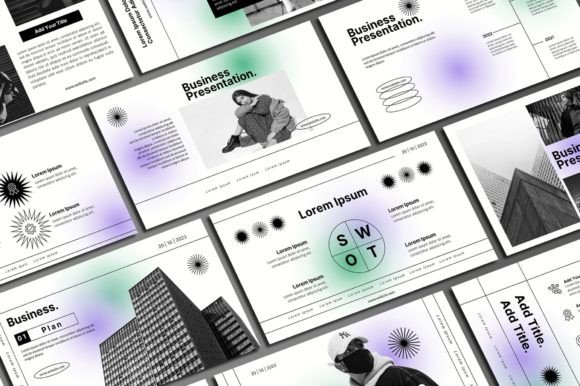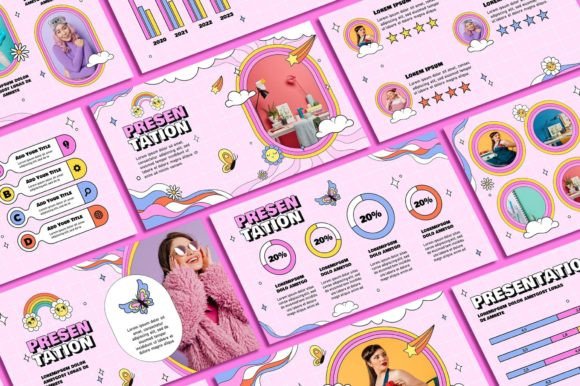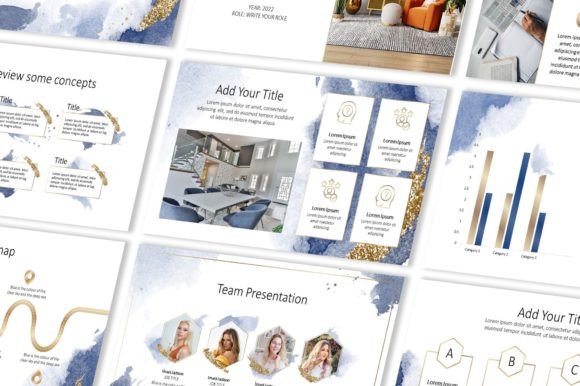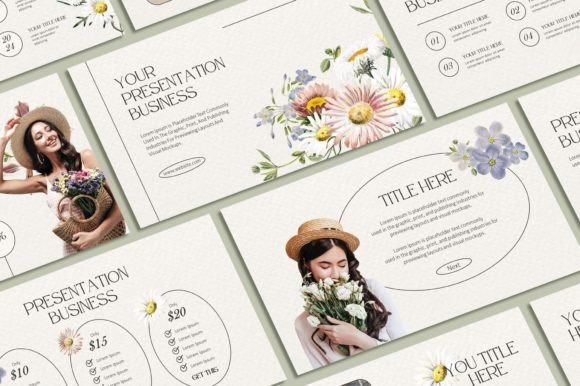
Elevate Your Slides: The Floral PowerPoint Template for Modern Professionals
In the world of presentations, first impressions are everything. A cluttered, outdated slide deck can undermine even the most compelling message. The Floral PowerPoint Template from Sky Creation is designed to solve that exact problem. It’s not just a collection of slides; it’s a complete design system that brings a unique blend of futuristic aesthetics and natural elegance to your professional communications. This template is built for those who want to move beyond generic corporate layouts and create presentations with genuine visual impact and audience appeal.
A Design Philosophy: Where Nature Meets the Future
The core personality of the Floral PowerPoint Template is its sophisticated duality. It masterfully combines organic, flowing floral motifs with clean, modern typography and structured layouts. This isn't your grandmother's floral pattern—it's a reimagined aesthetic. Think subtle botanical line art framing a data chart, or a single, elegant bloom accenting a title slide. The visual style leans towards a refined, almost luxurious feel, using a contemporary color palette that ensures the design feels fresh and relevant. The overall appeal lies in its ability to convey creativity and attention to detail without sacrificing professionalism. It’s a template that suggests a brand or individual that values both beauty and clarity, making it a powerful tool for building a memorable brand identity through your presentations.
This unique style makes it exceptionally versatile. For entrepreneurs and small business owners, it provides an instant upgrade in perceived quality. A startup pitching to investors can use the Floral PowerPoint Template to communicate innovation and a thoughtful approach. For marketers and content creators, the design assets included—like the 400+ free icons—allow for the quick creation of visually engaging social media graphics, webinar slides, or workshop materials that stand out in a crowded feed. The 16:9 aspect ratio is standard for modern displays, ensuring your presentation looks crisp on any screen, from a laptop to a conference room projector.
Practical Applications: From Boardroom to Brand Book
The true value of a premium font or template lies in its practical utility. The Floral PowerPoint Template shines across a wide array of projects. In editorial and publishing contexts, it can be used to design stunning lookbooks, digital magazines, or author portfolios. The unique layouts help in creating a visual hierarchy that guides the reader's eye naturally, enhancing readability and engagement. For graphic designers and branding specialists, this template can serve as a foundational design asset. The editable graphics and resizable elements mean you can adapt the floral accents to create cohesive brand materials—from logo presentations to packaging design mockups—ensuring consistency across all touchpoints.
Consider its use in web design and digital marketing. The slides can be repurposed into hero images for websites, email newsletter headers, or animated social media stories. The modern typography and clean lines ensure that text remains legible even when scaled down for digital use. The template’s structure also encourages good design practices. By providing a framework with pre-set text boxes, image placeholders, and color themes, it helps users avoid common pitfalls like overcrowded slides or inconsistent styling. This built-in guidance is invaluable for non-designers who need to produce professional-looking materials regularly.
Maximizing Your Investment: Customization and Best Practices
Purchasing the Floral PowerPoint Template is straightforward, but its real power is unlocked through thoughtful customization. After downloading the file, the first step is installing the recommended fonts. This is a critical detail; using the specified typefaces ensures the design’s intended balance between the floral script elements and the clean sans-serif body text is maintained. The template is designed to be edited in Microsoft PowerPoint, so a working knowledge of the software is helpful. You can change text and text colors, swap out background colors, insert your own photography, and add your logo. This flexibility allows you to tailor the design precisely to your brand’s color scheme and visual language.
When adapting the template, think like a designer. Use the floral elements strategically. They work best as accents—a divider between sections, a subtle background texture, or a highlight for key points. Overusing them can detract from your message. The goal is to enhance, not overwhelm. Test your font pairings if you choose to deviate from the provided ones. The template likely pairs a decorative display font with a highly readable sans-serif font for body text. If you substitute, ensure the new combination maintains a clear visual hierarchy and doesn’t compromise readability, especially for longer paragraphs.
Finally, be mindful of the terms of use. The designs are copyrighted to Sky Creation and are licensed for personal use. This means you can use them for your own business presentations, personal projects, or client work (as a final deliverable), but you cannot resell or redistribute the template file itself. This is a common and fair practice for commercial font and template creators, protecting their intellectual property while allowing you to leverage the asset for your growth.
The Floral PowerPoint Template is more than just a set of slides. It’s a comprehensive toolkit for anyone looking to communicate with greater visual sophistication. By combining a unique aesthetic with practical, editable features, it empowers users across industries to present their ideas with confidence and style, ultimately strengthening their professional image and audience connection.